

Discovery and design
Turn your ideas into clear, usable designs.
What to build, and how it should work, found out and designed before any code is written.
- User-centred design
- Clear scope and costs
- Designed for real users
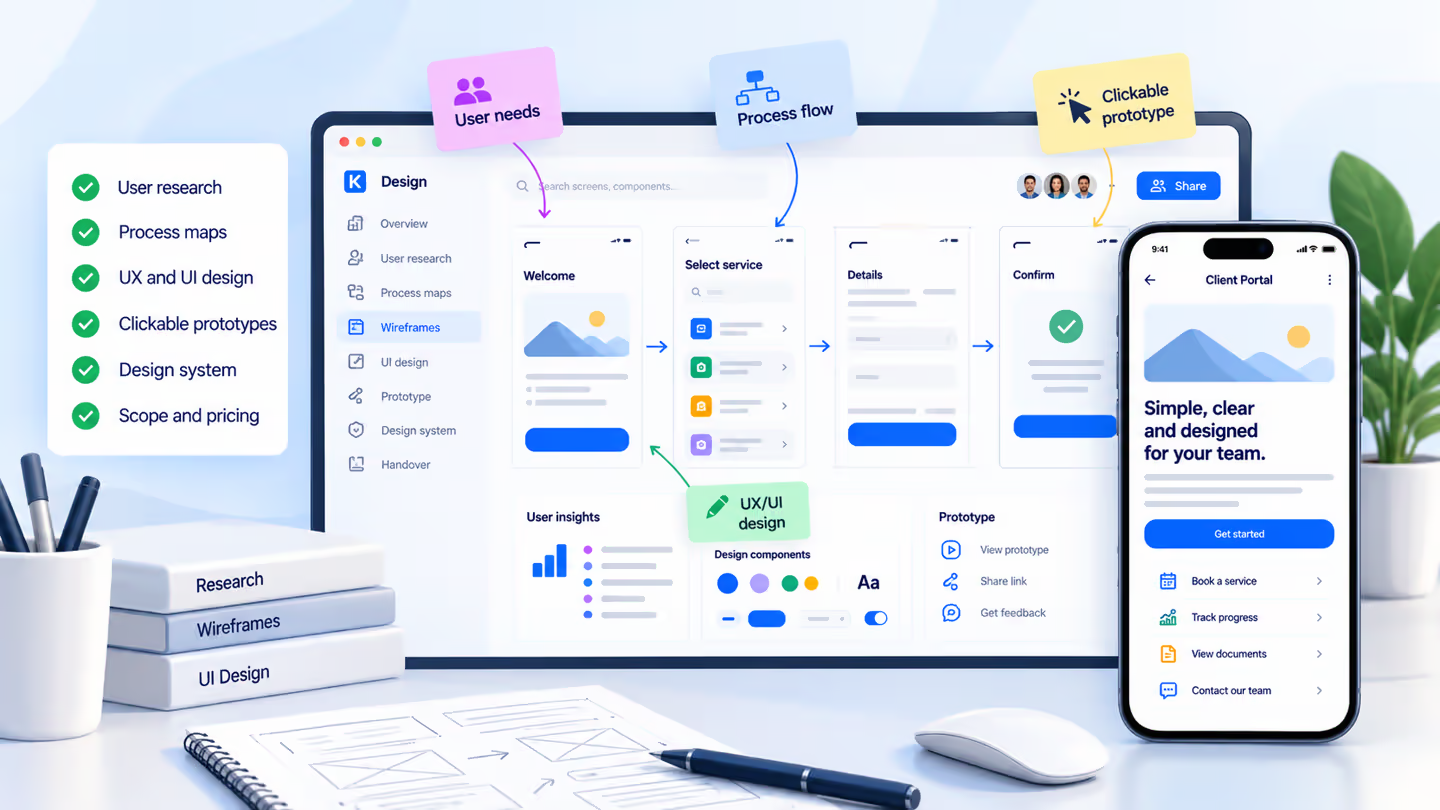
The thinking before the building
Great software begins with clarity.
We talk to the people doing the work, uncover the awkward bits, and make ideas tangible. You see how the product will work, before committing to development.
Start with your challenge
Different starting points. One clear way forward.
Select what sounds most like your situation. See how we would approach discovery and what you could take away.
Kweepa / Discovery brief
Illustrative
New product discovery
Make the idea tangible before you build.
We clarify the audience and essential jobs, then design a simple journey your users can test.
- 01 / ExploreUsers and the problem
- 02 / DesignKey screens and flows
- 03 / ValidateClickable prototype
Outcome: a clear product direction and an agreed next step.
Kweepa / Discovery brief
Illustrative
Operational discovery
Untangle the work. Then redesign it.
We map approvals, handoffs and exceptions, then simplify the flow with the people who rely on it.
- 01 / UnderstandCurrent process and pain
- 02 / SimplifyFuture workflow
- 03 / PlanPrioritised scope
Outcome: a practical process map and a buildable plan.
Kweepa / Discovery brief
Illustrative
Experience redesign
Make existing software easier to use.
We observe where people get stuck, redesign the most important journeys, and test the improvements.
- 01 / ObserveUsability and friction
- 02 / RefineInterface and flow
- 03 / ConfirmTesting with users
Outcome: an approved design ready for engineering.
A prototype you can actually try
Good design feels effortless. Try it for yourself.
A prototype is more useful when it behaves like a real product. Choose a service, find a time, add your details and review the entire booking journey. It’s a practical way to uncover confusing steps before writing a line of production code.
Interactive demo
The experience / 01 of 04
Find what you need, without guessing.
Clear options help people recognise the right service. Every choice explains what happens, how long it takes and what to expect.
Why this matters
Good UX reduces uncertainty at the first decision, instead of asking users to figure things out on their own.
The experience / 02 of 04
Make scheduling feel simple.
Show clear dates and available times together. People should find a suitable slot without leaving the page or repeating a search.
Why this matters
Availability, selected time and location stay visible while the user makes a decision.
The experience / 03 of 04
Ask less. Understand more.
Keep the form focused on what is needed to prepare for a useful session. Friendly labels and clear errors make it easier to finish.
Why this matters
A short, purposeful form gives you better information and respects the user’s time.
The experience / 04 of 04
Let people review with confidence.
Before completing the flow, show exactly what was chosen. Make it easy to go back and correct a detail without starting over.
Why this matters
A clear review screen catches mistakes and builds trust before the final action.
The experience / 04 of 04 · Demo completed
Clarity at every step.
That is the value of a good prototype: teams can experience the full journey, discuss what works, and fix what does not before development.
Why this matters
A successful journey ends with useful, unmistakable feedback, not uncertainty about whether anything happened.
Northstar StudioFictional service-booking demo
Demo mode
Choose a serviceStep 1 of 4
Welcome to Northstar
What can we help you with?
Choose the kind of session you need. You can change it later.
Pick a date and timeStep 2 of 4
Your session
Find a time that works.
Available slots are examples for this prototype, not live appointments.
Select a time
Times shown in your browser’s local time zone.
Your detailsStep 3 of 4
Almost there
Who should we prepare for?
Just enough context for a great first conversation.
This is an interactive design sample. Details stay on this page and are not sent to a server.
Review your choicesStep 4 of 4
Your booking at a glance
Everything look right?
One last look before the example confirmation.
- Service
- When
- Format
- Guest
- Notes
Demo only: confirming does not create a real booking.
Demo completedComplete
Example complete
That was the whole journey.
You’ve explored a complete service-booking experience, from choosing a session to confirming the details.
Sample booking summaryNo real booking was made or sent.
Illustrative journey only · Nothing is submitted or stored
What we do
Everything needed to design with confidence.
Explore each part of our process and the practical outcome it creates. Open any item to see more.
01 Interviews & discovery workshops
Conversations with users, stakeholders and customers reveal what people actually need, where they struggle, and what a successful outcome looks like.
OutputResearch findings, user needs and agreed priorities.
02 Workflows & process mapping
We map your existing tasks, forms, approvals and exceptions. The proposed journey is designed around real work, not assumptions.
OutputCurrent and future process maps, user journeys and key requirements.
03 UX, interface design & accessibility
Responsive screens for mobile and desktop, designed for your brand, your users and accessible interaction patterns aligned with WCAG guidelines.
OutputWireframes, high-fidelity screens and design decisions.
04 Clickable prototypes & user feedback
Clickable journeys let stakeholders and real users test tasks and challenge decisions before engineering begins.
OutputTested prototypes, observations and refinements.
05 Reusable design systems
Components, typography, colours, spacing and interaction rules are documented so future screens feel like the same product.
OutputShared UI library and developer handover guidance.
06 Project scope & delivery planning
Priorities, constraints and technical implications are organised into a buildable scope, with development stages and cost estimates discussed transparently.
OutputPrioritised scope, delivery plan and estimated cost.
The result
A plan your team can actually use.
Whether Kweepa builds the product or your own engineers take it forward, you receive tangible design deliverables and a clearer decision about what comes next.
Plan a discovery sessionProduct design / handover
Example deliverables
- Research and user requirements documented
- Core journeys and approved screens
- Interactive prototype for feedback
- Reusable components and accessibility notes
- Delivery stages, scope and cost outline
The design artefacts are handed over under the terms agreed for your project.
Why invest in discovery before development?
Because changing a screen or process map is far less expensive than changing working software. Discovery helps validate priorities and expose important decisions before committing to engineering.
How long does discovery and design take?
It depends on the number of user groups, workflows and integrations. We agree the schedule after understanding your scope; focused work may take weeks, while complex enterprise discovery may require longer.
What exactly do we receive at the end?
Typically, research findings, process maps, approved UI designs, a clickable prototype, design documentation and an agreed delivery scope. The exact deliverables are written into your proposal.
Can you redesign our existing software?
Yes. We can review how your team uses the current software, identify friction points, and redesign specific journeys or the broader experience while respecting your existing technology.
Can our own developers implement the design?
Yes. We can hand over the design assets and guidance to your team, or continue with Kweepa for implementation. Ownership and access are agreed before the project begins.
Let’s make the next step clear
Tell us what you’re imagining.
From an early idea to a complex existing system, we’ll help you uncover what matters, design the experience and plan a sensible way to build it.
Guides for buyers
All guides-
What is a software discovery phase, and what should you get from it?
What a discovery phase in software development is, what you should be handed at the end of it, how it runs, and how to write a brief for a software company.